Skip to Content loading...

Zelle® - Send and Request Money

Zelle® is a fast, safe and free way to send money to friends and family.

We have partnered with Zelle® to bring you a fast, safe and easy way to send and receive money with friends, family and other people you trust.2 Zelle® is available right from online and mobile banking so you don’t need to download anything new to start sending and receiving money!
Zelle Standard Logo Lockup Generator 06022022 af93bdcf f9ee 4b6f bbf7 0a1175adcb92

How to start using Zelle®

First things first! Make sure you have an opened Listerhill checking account in good standing.Next, enroll or log in to "Bills and Payments" on your Listerhill Mobile Banking app or Online Banking portal.Select "Move Money" with Zelle®.Accept the Terms and Conditions.Select your U.S. mobile number or email address and deposit account. That’s it! You’re ready to start sending and receiving money with Zelle®.

Using Zelle® is:

Fast
Fast

Send money directly from your account to theirs, typically in minutes3

Secure
Safe

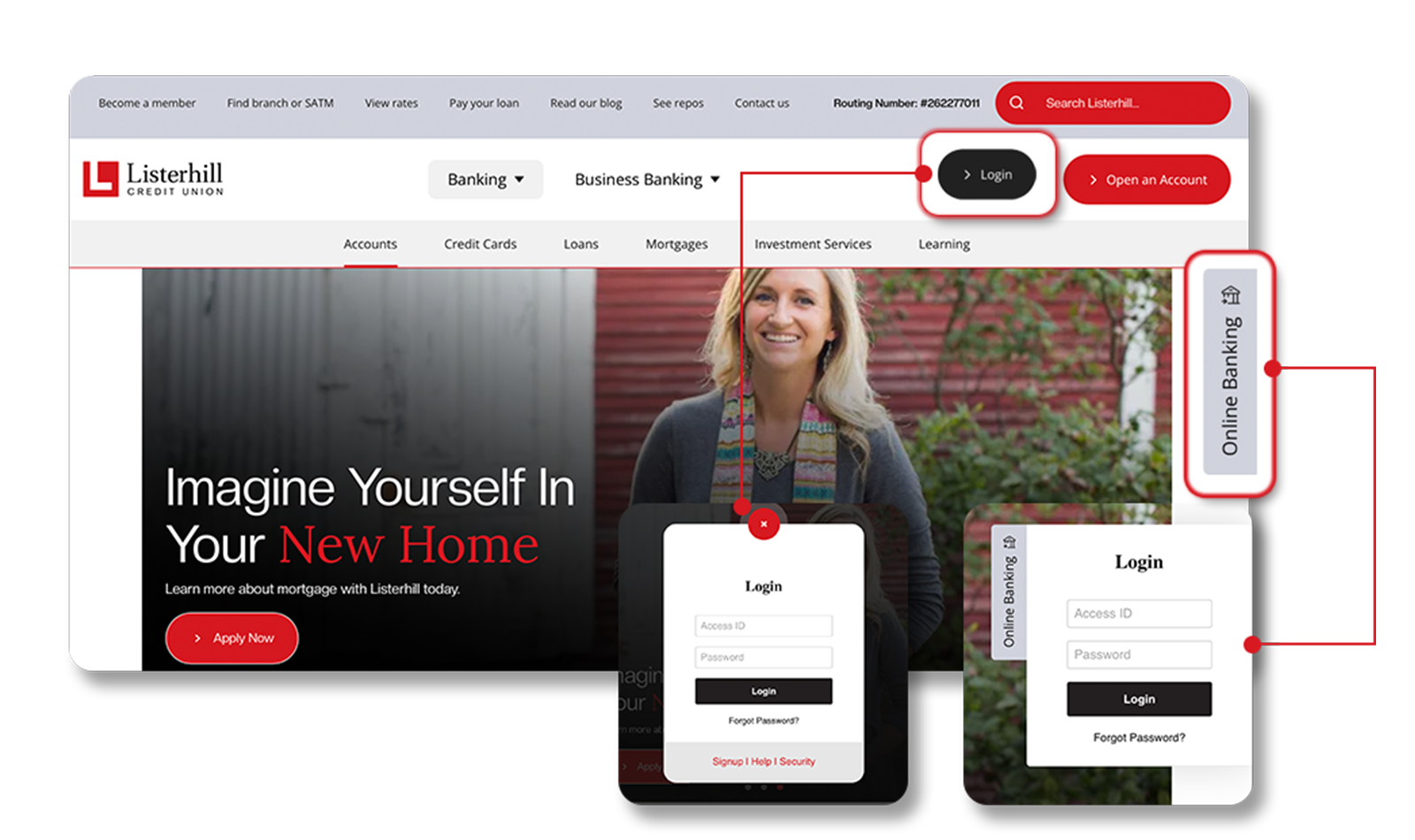
Send and receive money with Zelle® right from Bills & Payments online or our mobile banking app2

Easy
Easy

Send money using just their U.S. mobile number or email address

Watch the video to learn more about Zelle®!

Watch the video to learn more about how to spot a "pay yourself" scam.

Frequently Asked Questions

member_memberpromo_202207

Don't have our mobile app?

Download it for free:

1 Mobile network carrier fees may apply.

2 Must have a bank account in the U.S. to use Zelle®.

3 Transactions typically occur in minutes when the recipient’s email address or U.S. mobile number is already enrolled with Zelle®.

4 In order to send payment requests or split payment requests to a U.S. mobile number, the mobile number must already be enrolled with Zelle®.

Copyright © 2022 Listerhill Credit Union. All rights reserved. Terms and conditions apply. Zelle and the Zelle related marks are wholly owned by Early Warning Services, LLC and are used herein under license.

default icon for intro
What can we help you with? *
default icon for borrow
What are you borrowing for?
default icon for vehicleOptions
Vehicle Options
default icon for homeOptions
Home Options
default icon for save
What are you saving for?
default icon for forMyKidsOptions
How old are your kids?
default icon for everydayBanking
Which of these banking options are you interested in?
default icon for checkingOptions
How old are you (or your child)?
default icon for purchasingPowerOptions
How old are you?
default icon for checking15Options
What kind of account are you looking for?